Trusted across industries:




.png?width=2000&name=chen-su-lan-methodist-childrens-home-logo2%20(1).png)



















"The day-to-day flow for our team is significantly easier.
The manual steps have been cut down considerably."

- Joost Rompen, Country Director of Slimstock
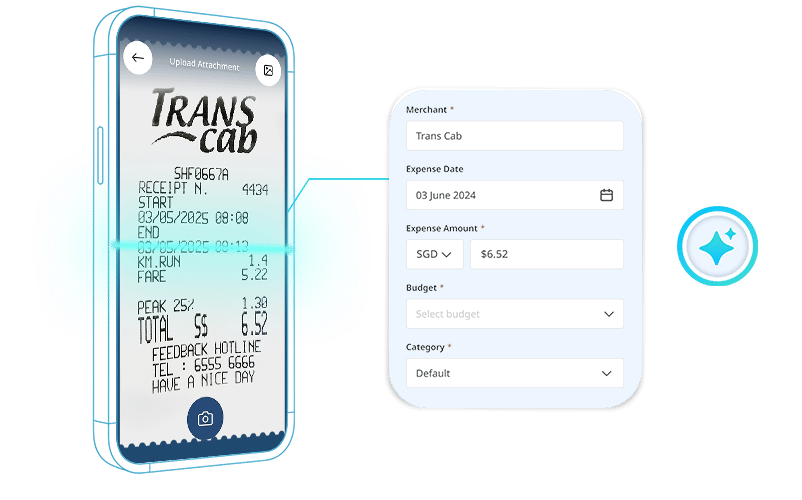
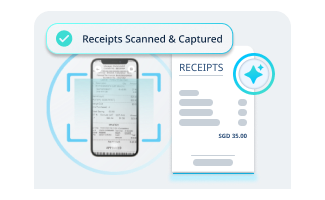
Snap a receipt, done.
Employees submit claims from their phone. Merchant, amount and date captured automatically. No paper receipts, no manual entry, no chasing.
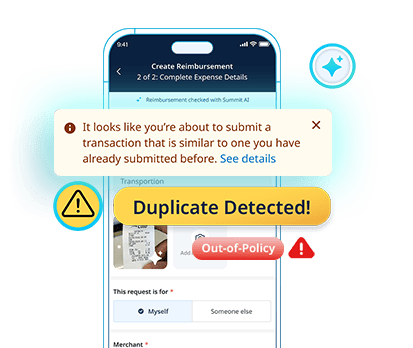
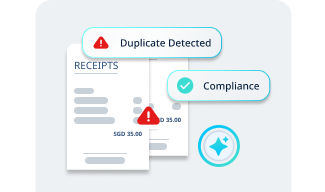
Catches policy breaches before you do.
Duplicate submissions, out-of-policy expenses, missing tax invoices. Summit flags them at submission, before anything lands in your finance team's queue.
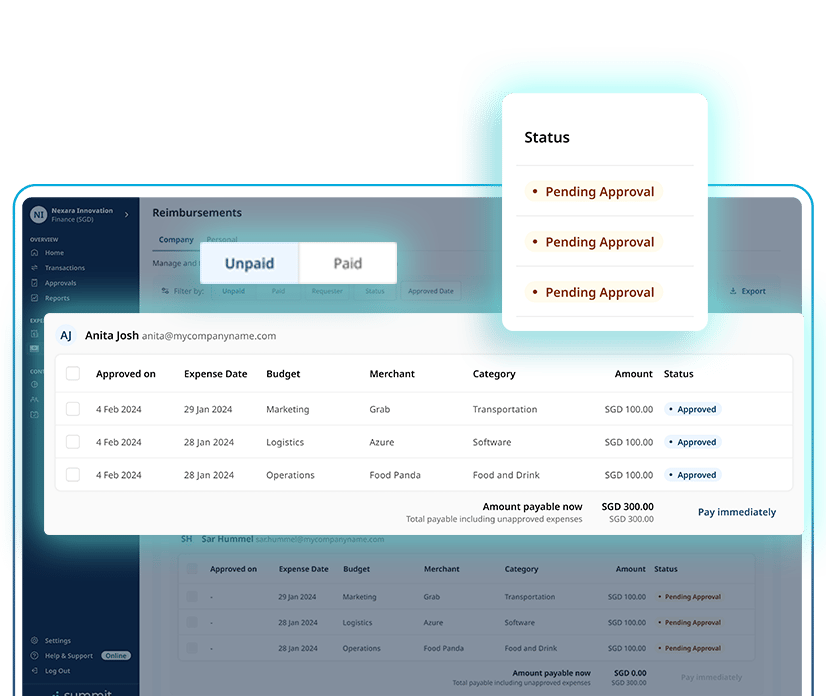
Every claim, fully tracked.
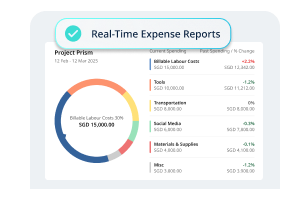
See every employee claim, who submitted it, where it sits in the approval flow, and what's pending payout. Always in the loop, without the back-and-forth.
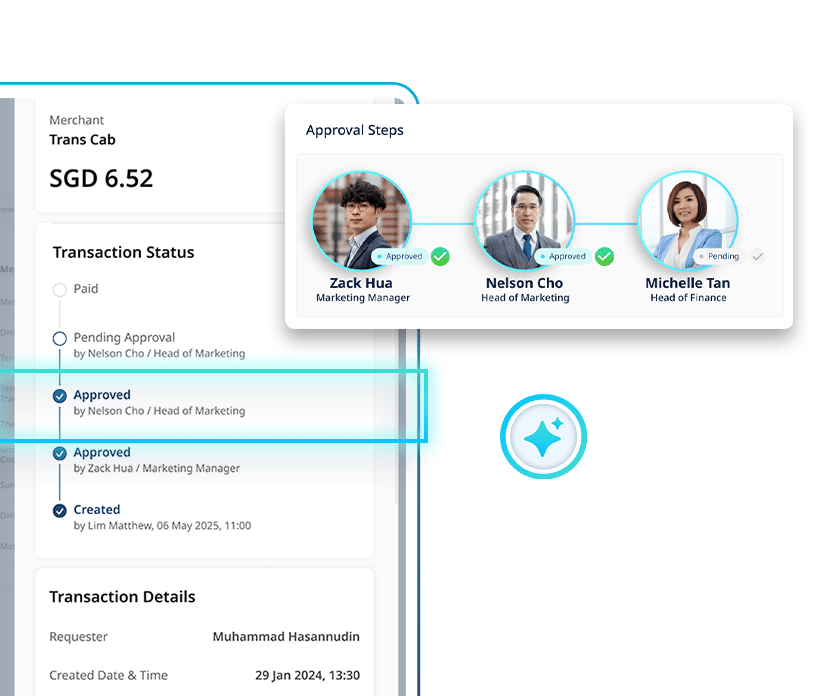
You approve. Summit handles the routing.
Set approval rules by amount, department or expense type. Claims reach the right approver automatically. You stay in control, your team stops waiting.

"Ever since we onboarded on Summit, with excellent support during the implementation process, our workload has been reduced, allowing us to focus on what really matters. "

- Allen Chua, Regional Head Trainer of Arabica
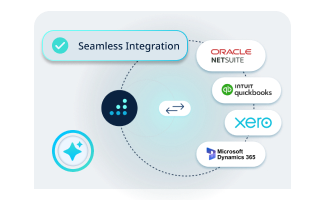
Your favourite tools, connected to Summit
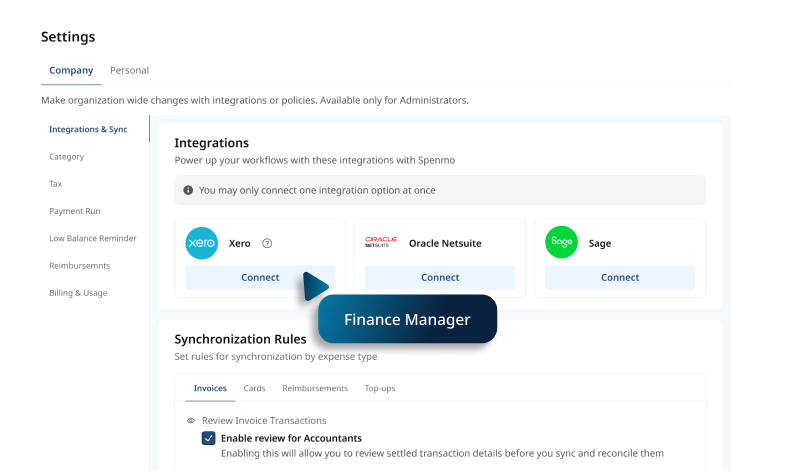
Summit fits into the way your finance team already works. Connect your accounting software and let expense data flow straight through — no more copying expense data across systems.
Xero | Quickbooks | Netsuite | Microsoft Dynamics

Pay for the claims you process, not the headcount on your payroll
Summit pricing is based on usage, not the size of your team. Onboard every employee who submits expenses without watching costs climb as your headcount grows. Your cost reflects how your team uses the platform, nothing more.
Most platforms lock you into per-user pricing. The bigger your team gets, the more unpredictable your costs become — even if half your employees rarely submit a claim.
Get your expense process up and running in days, not months
Summit is designed for fast deployment with minimal IT involvement. If your finance team already uses Xero, QuickBooks or NetSuite, connecting your accounting software and syncing your expense data is seamless with Summit.
Most platforms take months to deploy. By the time your team is up and running, you've already spent more time on setup than you have on actually managing expenses.
Less admin. More finance.
Expense claims shouldn't take days to process. Summit handles the receipts, flags the exceptions, and keeps approvals moving, so your finance team isn't stuck chasing people.

No missing receipts
Employees snap and submit from their phone. Every claim is logged, timestamped and ready for review. Nothing falls through.

Always audit-ready
Every claim, approval and rejection is logged automatically. When auditors come knocking, everything is already in order.

Policy you can enforce
Set your expense rules once. Summit checks every claim at submission. Exceptions get flagged before reaching you.
How % Arabica keeps employee expenses under control


-png.png?width=26&height=27&name=check%20(1)-png.png)
Intelligent receipt scanning
Policy violation detection
Multi-level approval flow

Real-time expense reports
Accounting integration
Everything your team needs to manage expenses effortlessly.
Intelligent receipt scanning
Policy violation detection
Multi-level approval flow
Real-time expense reports
Accounting integration